December 12, 2025
UploadCam for Home Inspectors
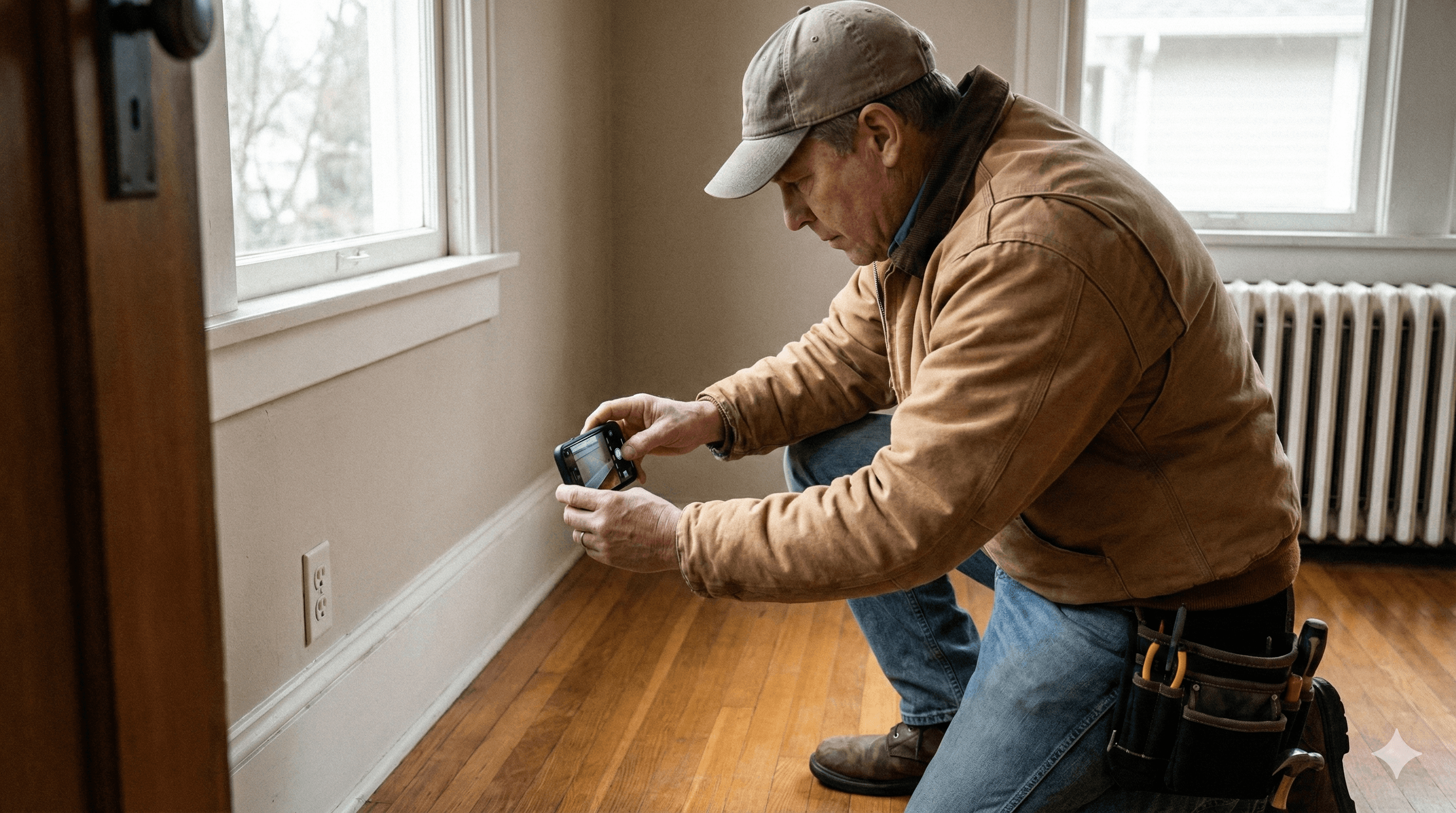
Document properties with precision, speed, and total organization.
Home inspections require accuracy, consistency, and clear visual evidence. UploadCam gives inspectors a fast, reliable way to capture photos and videos and have them automatically organized into the correct inspection folder in the cloud systems they already use: Google Drive, Dropbox, and OneDrive.
No camera roll clutter.
No manual sorting.
No missing or mislabeled photos.
Just clean, professional documentation — every single time.
Designed for inspectors who document dozens of properties every week
UploadCam transforms your inspection photos into an organized, audit-ready workflow that saves time in the field and in the office.
1. Set up folders and assign property locations
Using the UploadCam Admin Panel or the mobile app, your office team (or solo inspectors) can create a new inspection folder in moments:
Create a project folder for each home or property
Assign that folder to specific inspectors
Add the property’s GPS location (or pin it on the map)
Once created, the inspection folder instantly appears on the inspector’s UploadCam app.
Automatic folder switching using GPS
When the inspector arrives at the property, UploadCam detects the GPS location and:
Automatically switches to the correct inspection folder
Ensures every photo and video is stored in the right place
Prevents incorrect uploads and mislabeled property photos
Inspectors simply open the app and begin documenting — the organization happens automatically.
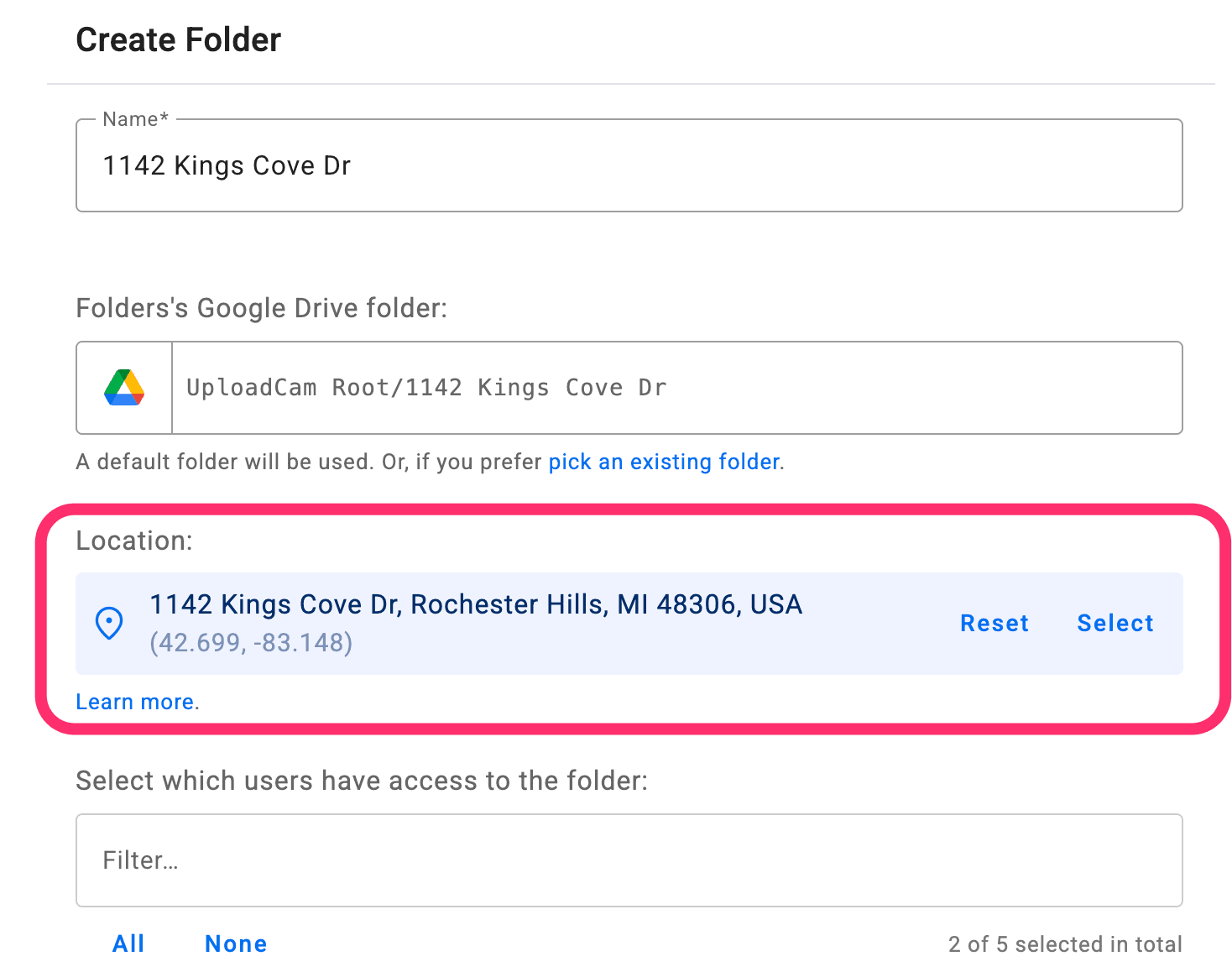
Smart auto-switching based on GPS
When your crew arrives on-site, UploadCam instantly detects the location and:
Switches to the correct project folder automatically
Ensures all photos and videos go to the right place
Eliminates manual selection and costly organizational errors
This is one of the most powerful features for construction teams—keeping documentation consistently accurate without requiring extra effort from the field.
2. Annotated photos for clear, verifiable evidence
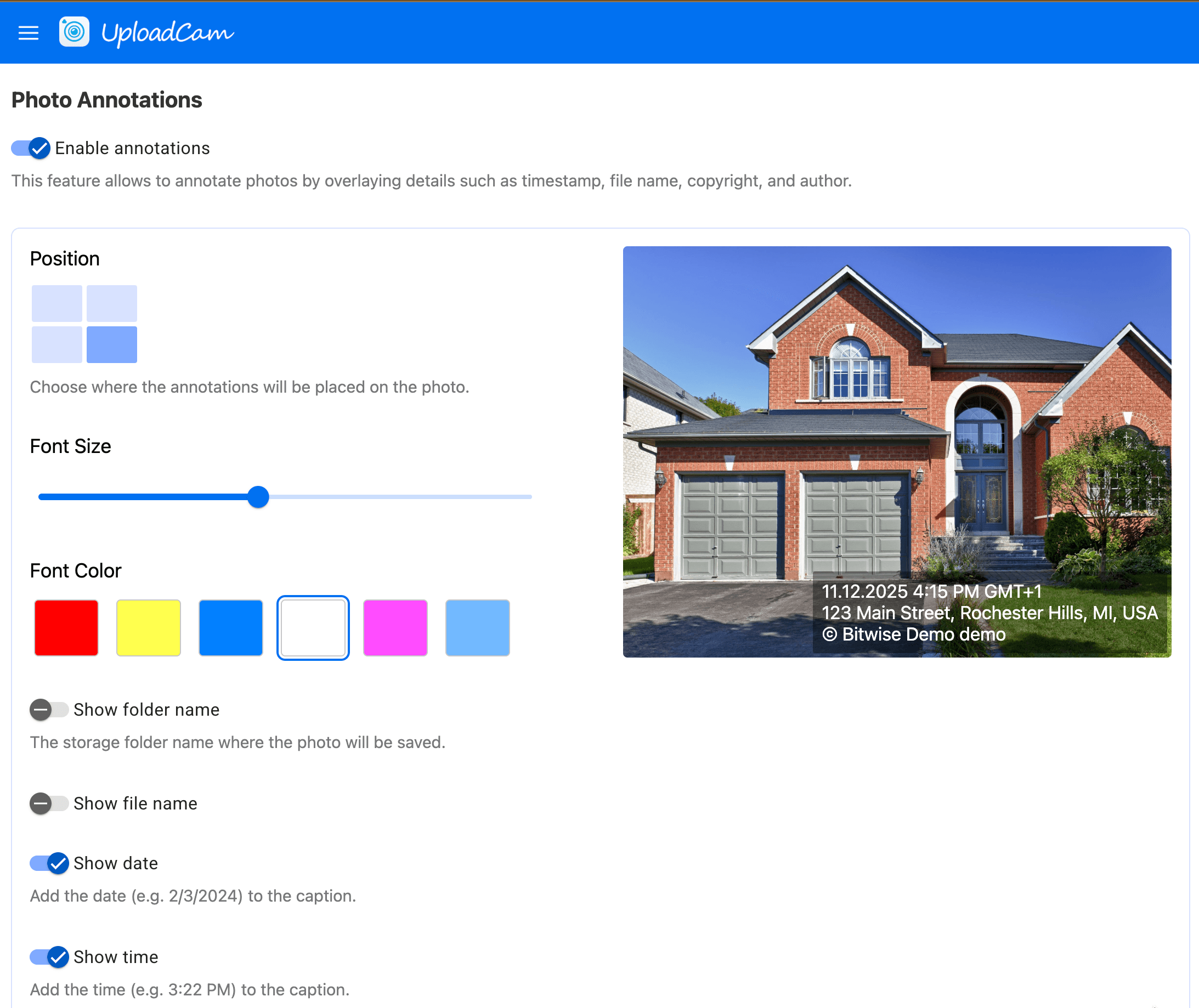
Every photo taken with UploadCam can include optional on-image annotations showing:
Date + Time
GPS location
Closest address based on GPS position
The name of the user that took the photo
The folder the photo was uploaded to
Copyright label
Custom label
This added layer of clarity helps inspectors create more defensible, trustworthy reports and gives clients and agencies confidence in the accuracy of your documentation.
Perfect for:
Pre-purchase inspections
Insurance inspections
Rental move-in/move-out documentation
Commercial property inspections
Safety and compliance reporting
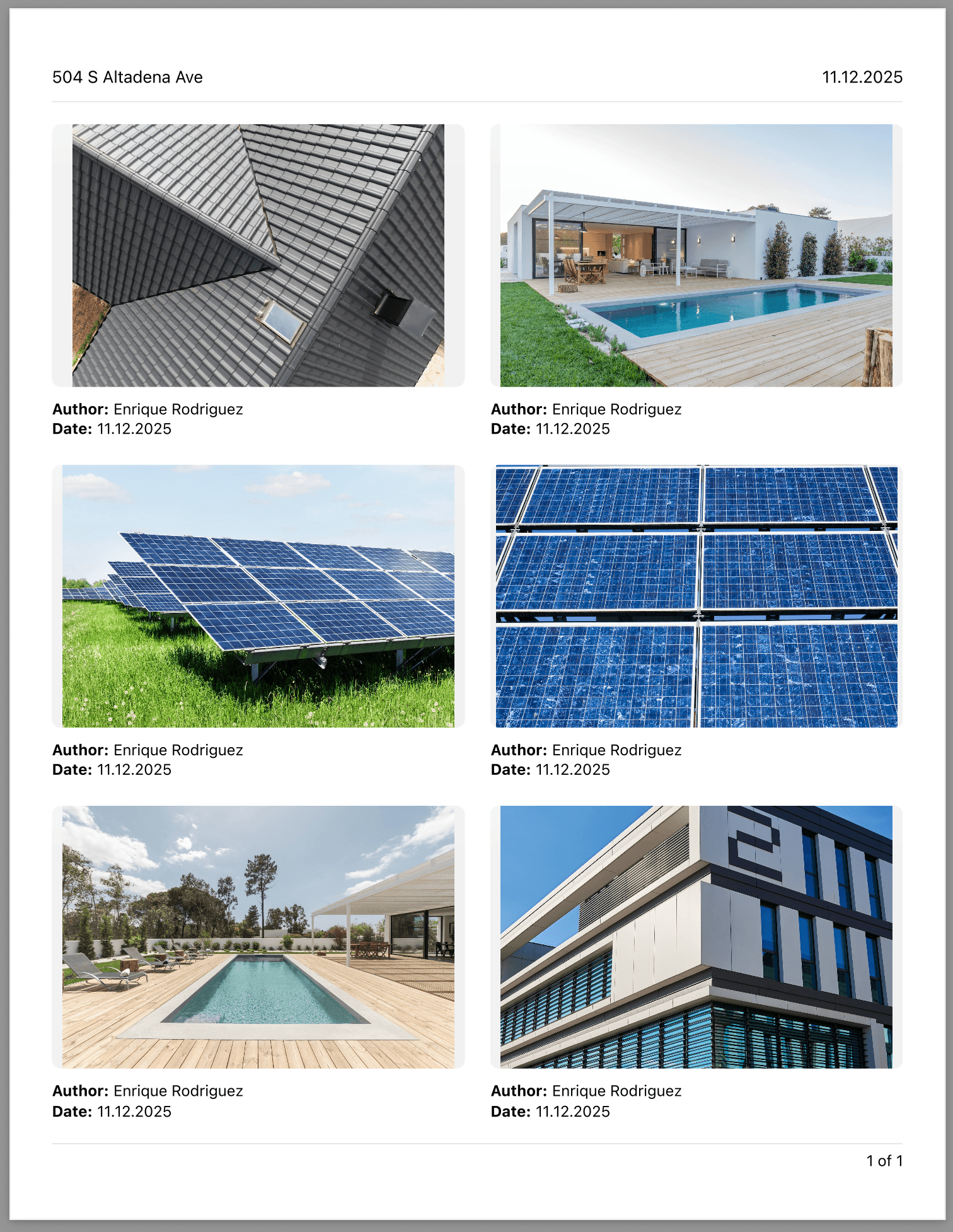
3. Generate professional PDF inspection reports in minutes
A complete reporting workflow built into your camera app
UploadCam now includes the ability to create polished PDF inspection reports directly from your photos.
Each report can contain:
Property address or inspection title
Reporting date or date range
Photos with annotations
Inspector notes or descriptions
PDF reports are ideal for:
Delivering final inspection findings
Sending annotated visual evidence to clients
Creating historical records for repeated inspections
Insurance or legal documentation
4. Works seamlessly with the cloud storage your company already uses
UploadCam uploads directly into your existing cloud environment — not into a new system or proprietary backend.
Compatible with:
✔ Google Drive
✔ Dropbox
✔ Microsoft OneDrive
Your inspection photos stay in your existing folder structure, under your existing privacy, security, and retention policies.
Deliver organized, consistent, professional inspection reports — every time.
UploadCam helps home inspectors eliminate messy workflows, reduce admin tasks, and maintain rock-solid documentation for every property.
Inspectors save time. Clients get clearer, more reliable reports. Your business becomes more efficient and scalable.
See how UploadCam can elevate your home inspection workflow
Streamline documentation. Improve accuracy. Impress your clients.